10 min. read
Methods
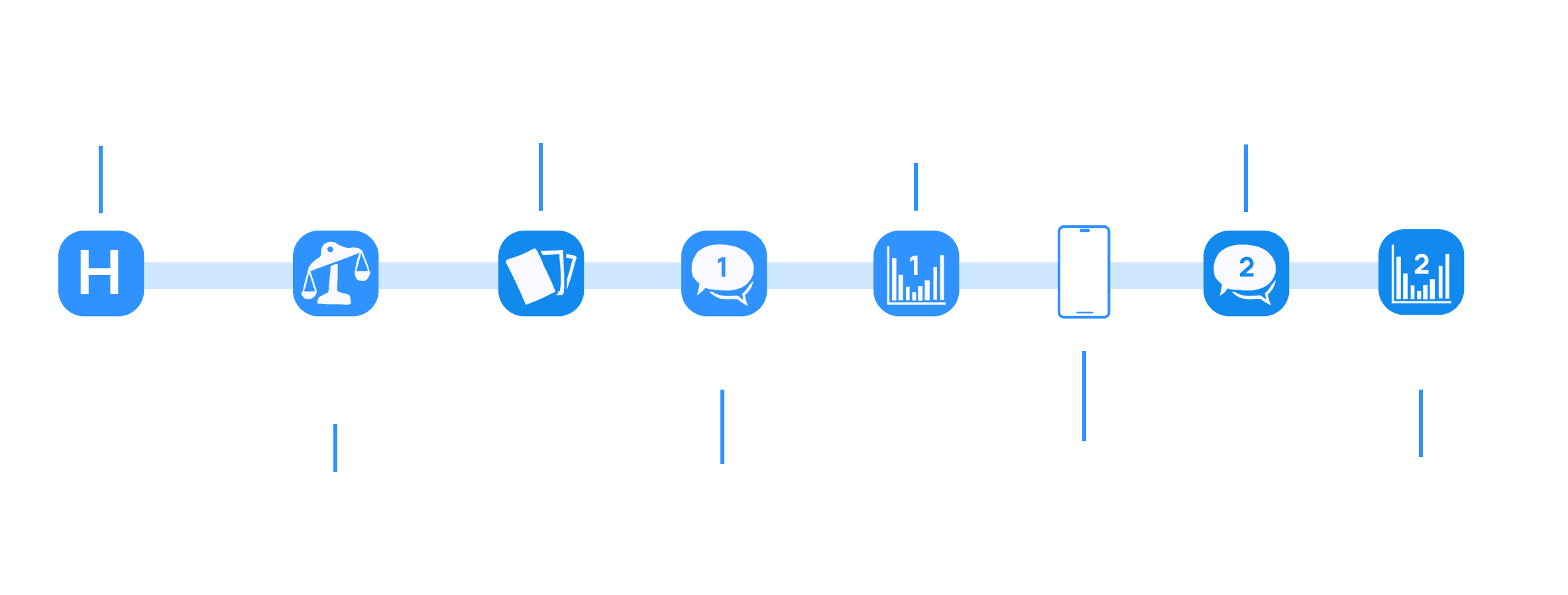
Competitive analysis
Surveys
Heuristic evaluation
Card Sort
Qualitative usability testing
UXR
Quantitative usability testing
At-a-Glance
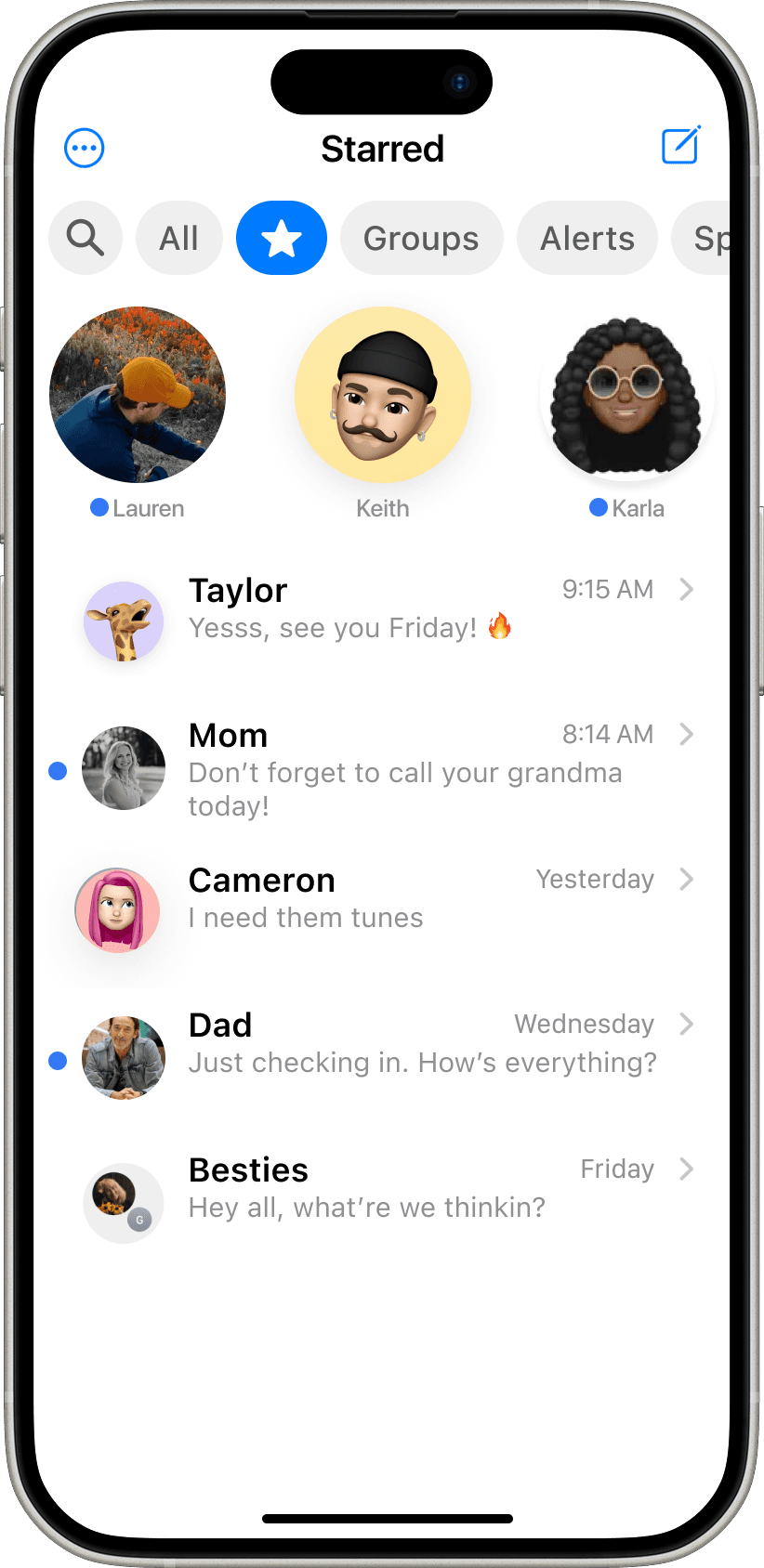
I conducted mixed-methods UX research exploring how iMessage can better support Gen Z’s high-volume, dynamic communication patterns.
On a team of three, I implemented quantitative and qualitative research to identify opportunity areas within the Gen Z user-base.
The resulting design improvements were highly effective in alleviating cognitive load, and resulted in an 80% reduction in user effort when filtering messages.
My role
UXR + D
Context
10-weeks, 2025
HCID MS Project
Context
UserTesting
Optimal Workshop
Google Sheets
Figma
Apple’s iMessage is a core staple of the iPhone experience


I conducted UXR with the guiding question:
How can iMessage evolve to meet the dynamic needs of Gen Z?

Why Gen Z? Because they:
Comprehensive research process
To explore Gen Z’s experience through multiple lenses, I conducted comprehensive research in close collaboration with my team
*Additional survey included
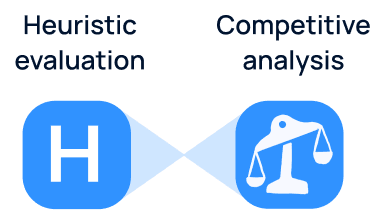
By cross-referencing usability issues with industry trends, I identified three high-impact opportunity areas
Personalized organization
Due to their preference for texting, Gen Z opts-in to receive a wide variety of texts, from family to automated alerts
Non-linear communication
Messaging is no longer linear. Gen Z expects to refer and reply to old messages with ease
Multi-media handling
Gen Z communicates with more than just words. They use photos, GIFs, audio, emojis, video and more
Focusing research efforts into these areas led to two key discoveries
Discovery 1
Gen Z suffers from a
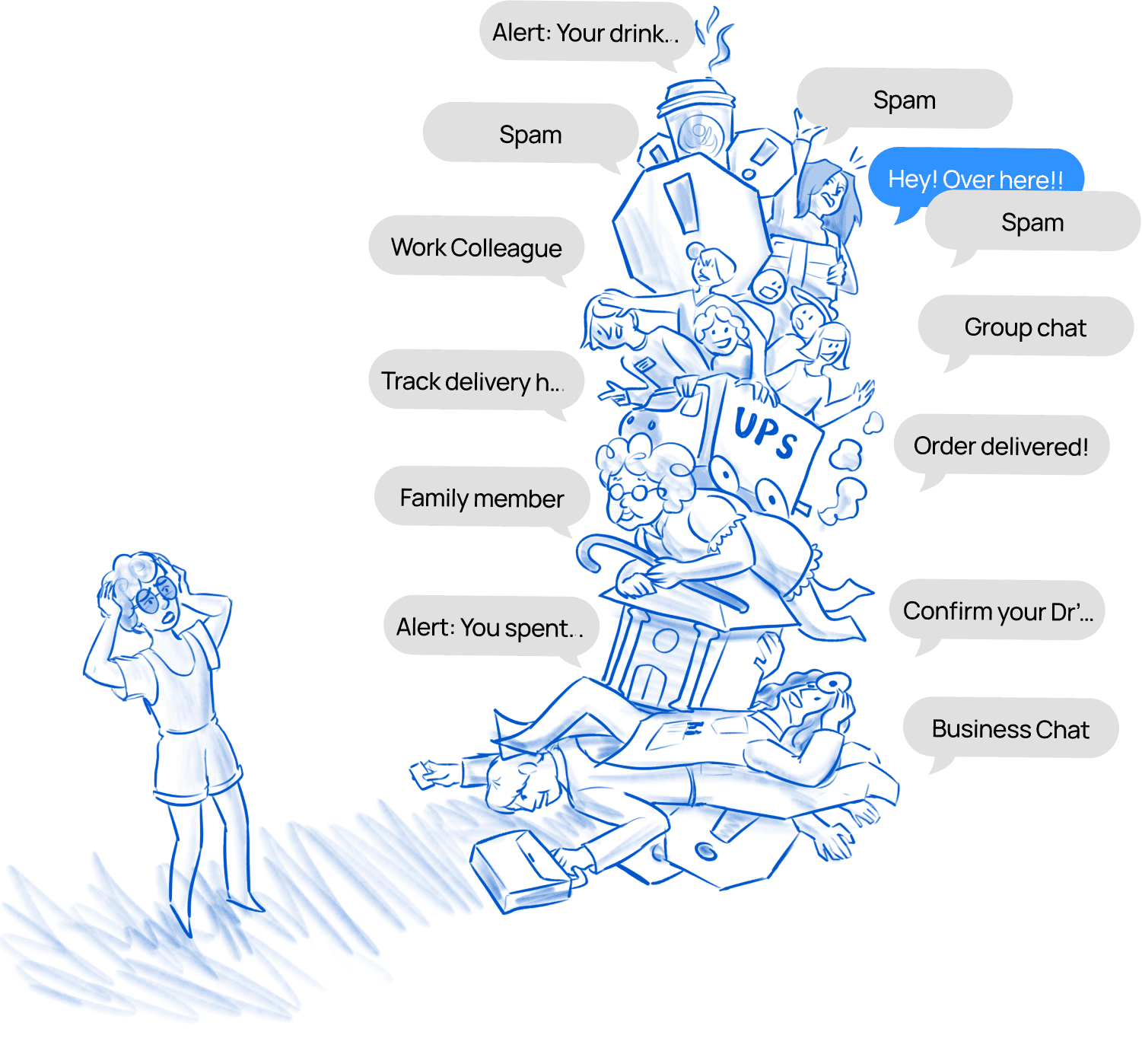
Bombarded + unorganized message list
High variety of texts with few ways to organize is overwhelming and stressful for users
Data behind the discovery
In the card sort, users grouped messages with much more nuanced groups than currently avaliable, and simultaneously indicated emotional overwhelm around the mismanagement of their messages. Further testing (Qual and Quant) validated this.
The unorganized message inbox stresses people out, and current filters aren’t helping
Current filters
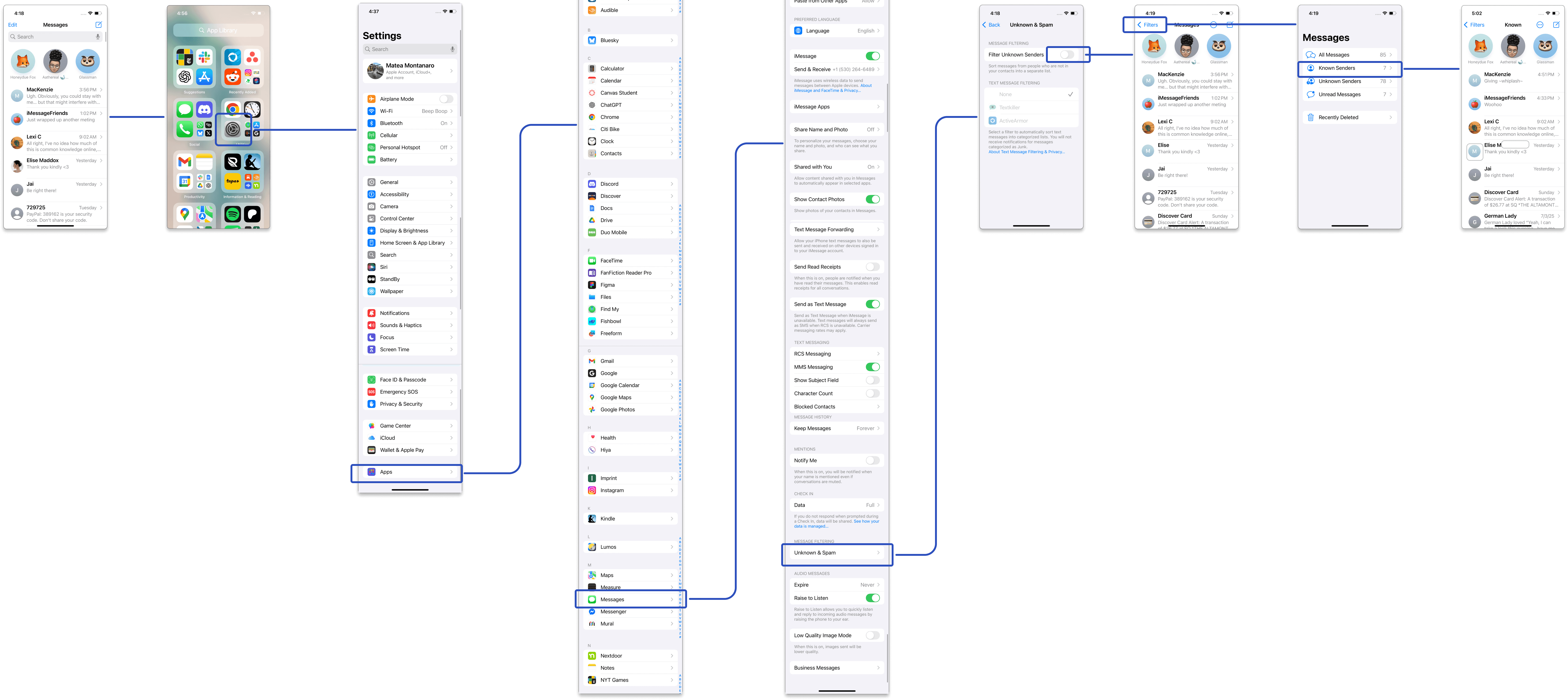
are defaulted off and hidden 10-clicks deep into IOS settings
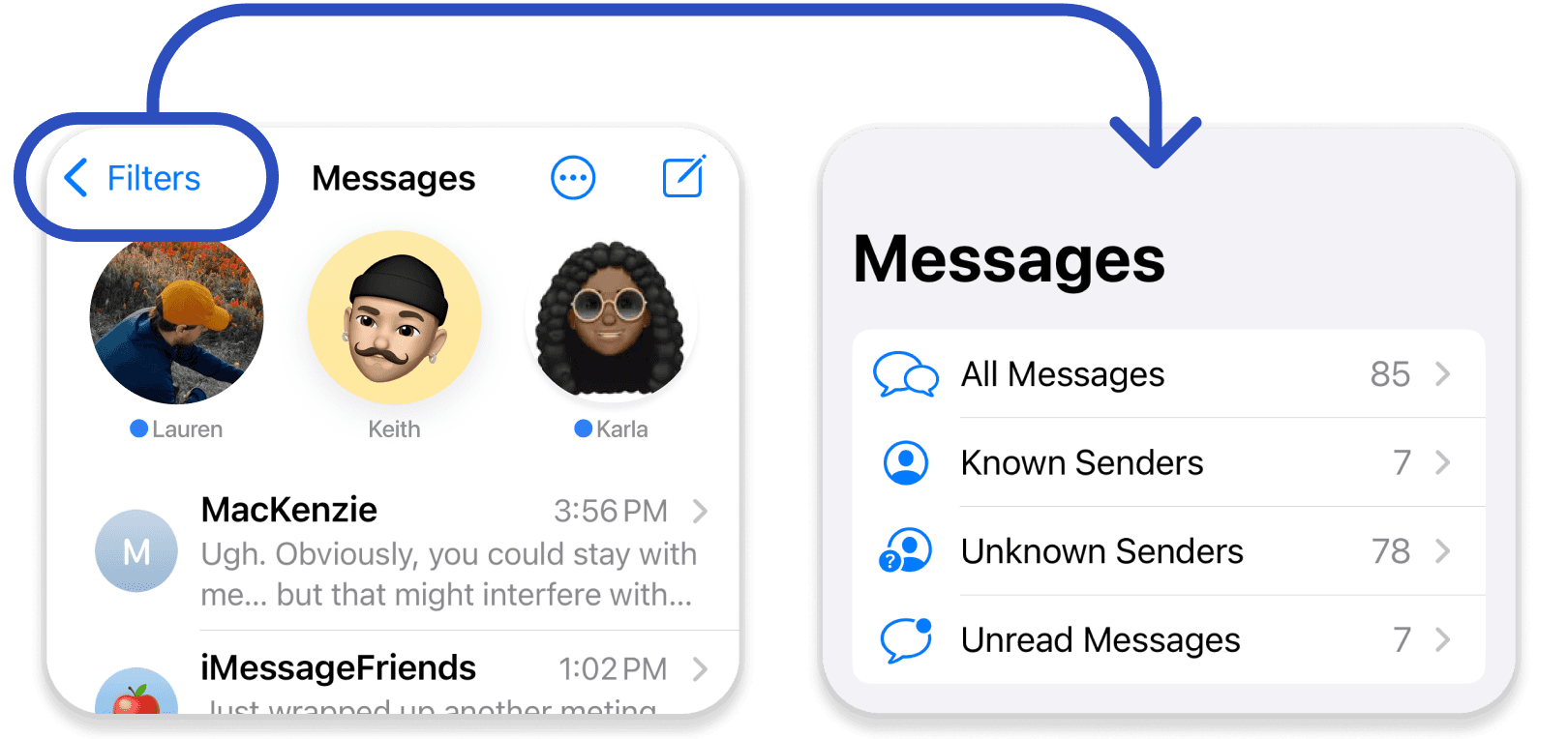
Filter categories
do not align with how users intuitively group messages
So, let's problem-solve. After ideating, my team and I tested the most promising solutions
Discovery 1
Prototyped solution
Customizable Filterbar
The Filterbar
New, direct access to message organization
Usability improvements
Compared to Benchmark, the Filterbar improved the flow: Finding a group chat
+14%
increase in success rate
-11%
decrease in time on task
-10%
decrease in missclicks
This reduced a 10-step process to just 2
Before: Filtering a message
After: Filtering a message
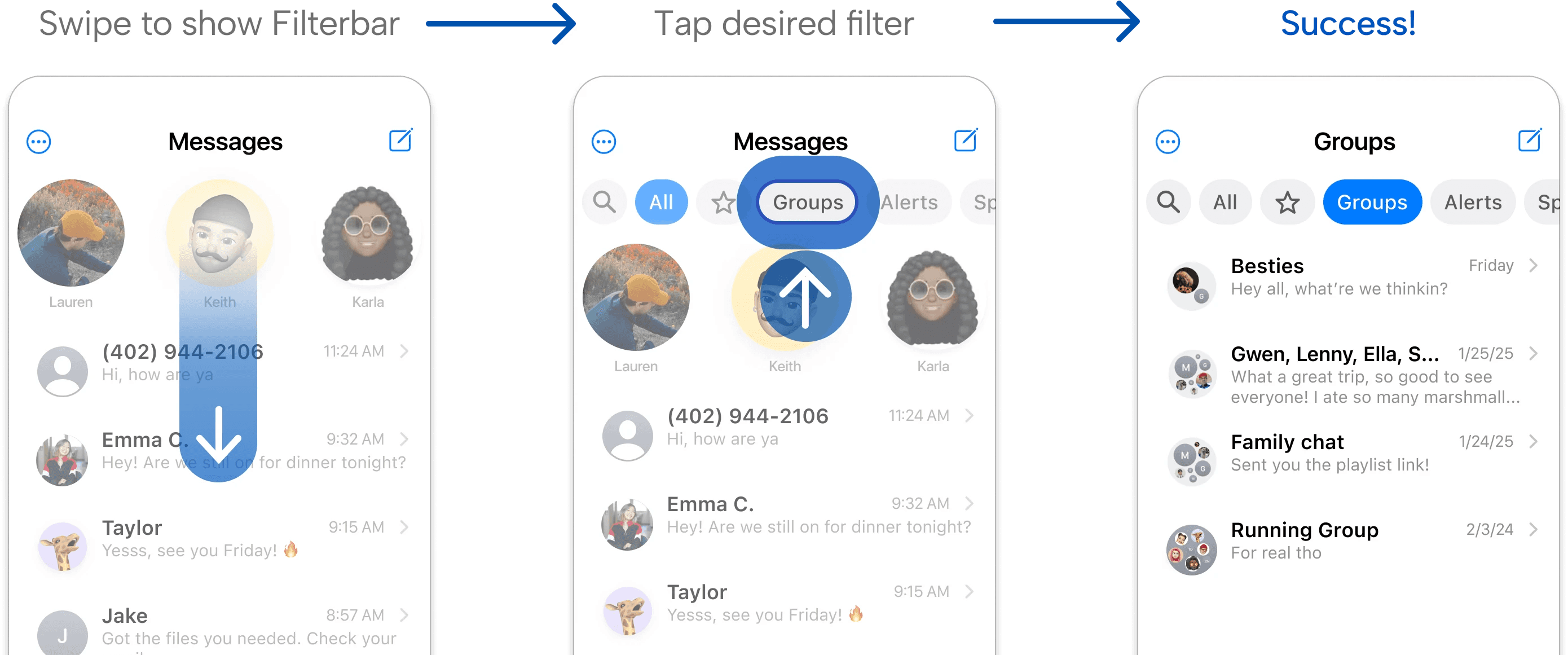
That's 80% reduction in steps to completion
Discovery 2
Gen Z has significant
Difficulty finding past messages
Inability to locate past texts frustrates users and forces them to use work arounds to save chat content

The data behind the discovery
There are three ways to locate a past message, but none fully meet user needs
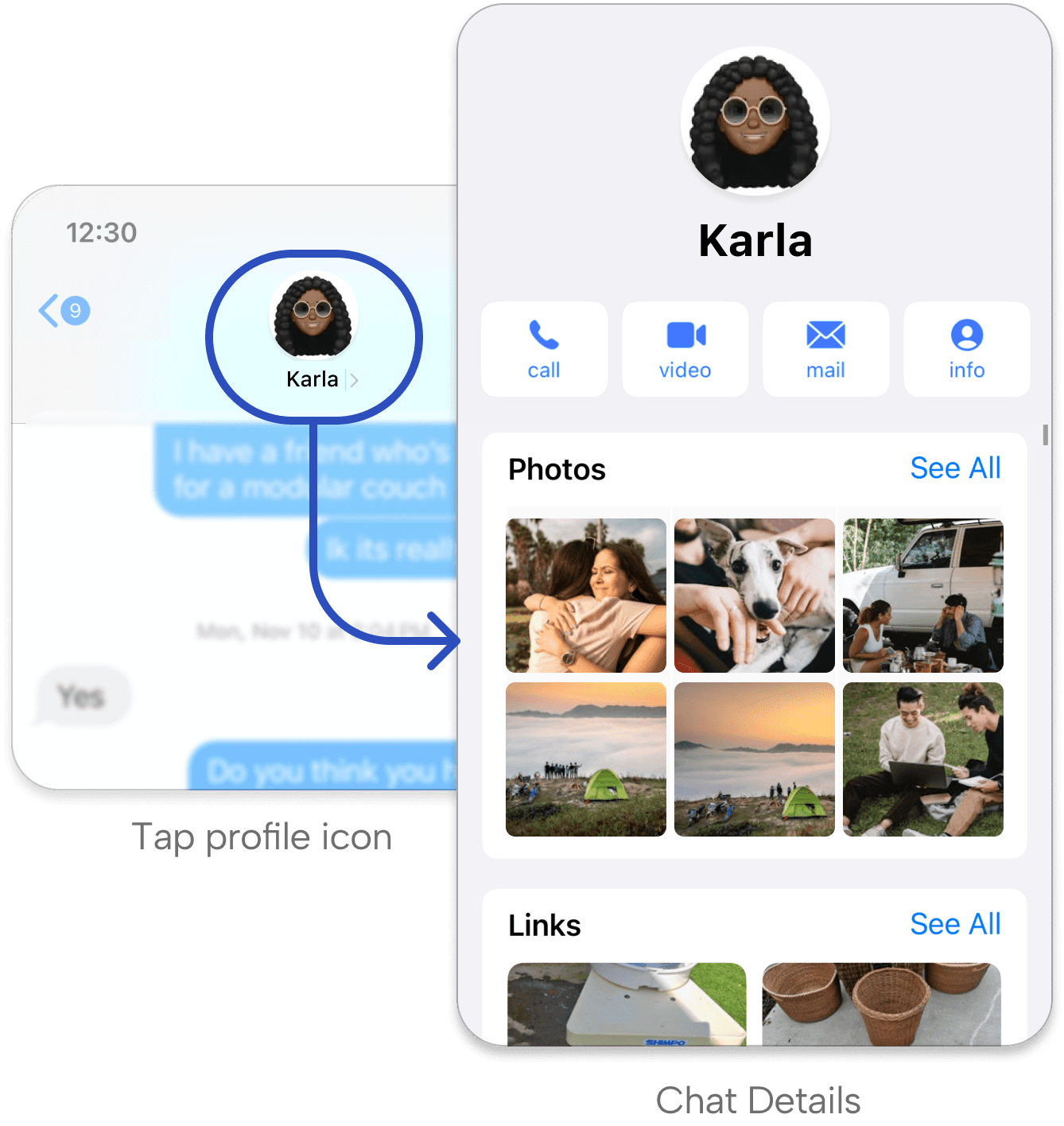
Verdict: Users need a way to locate text messages with the same ease they find media in Chat Details
Discovery 2
Prototyped solutions
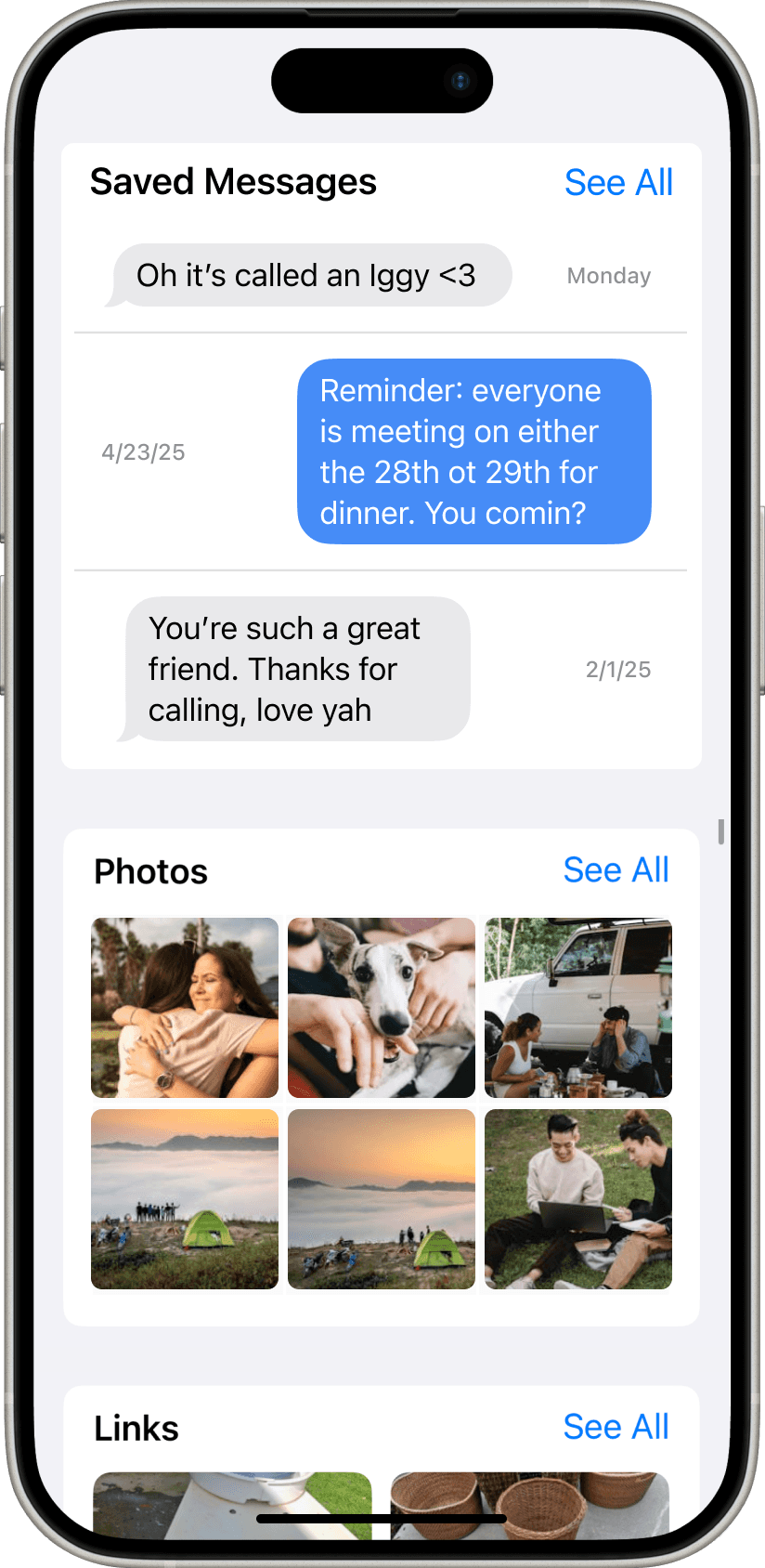
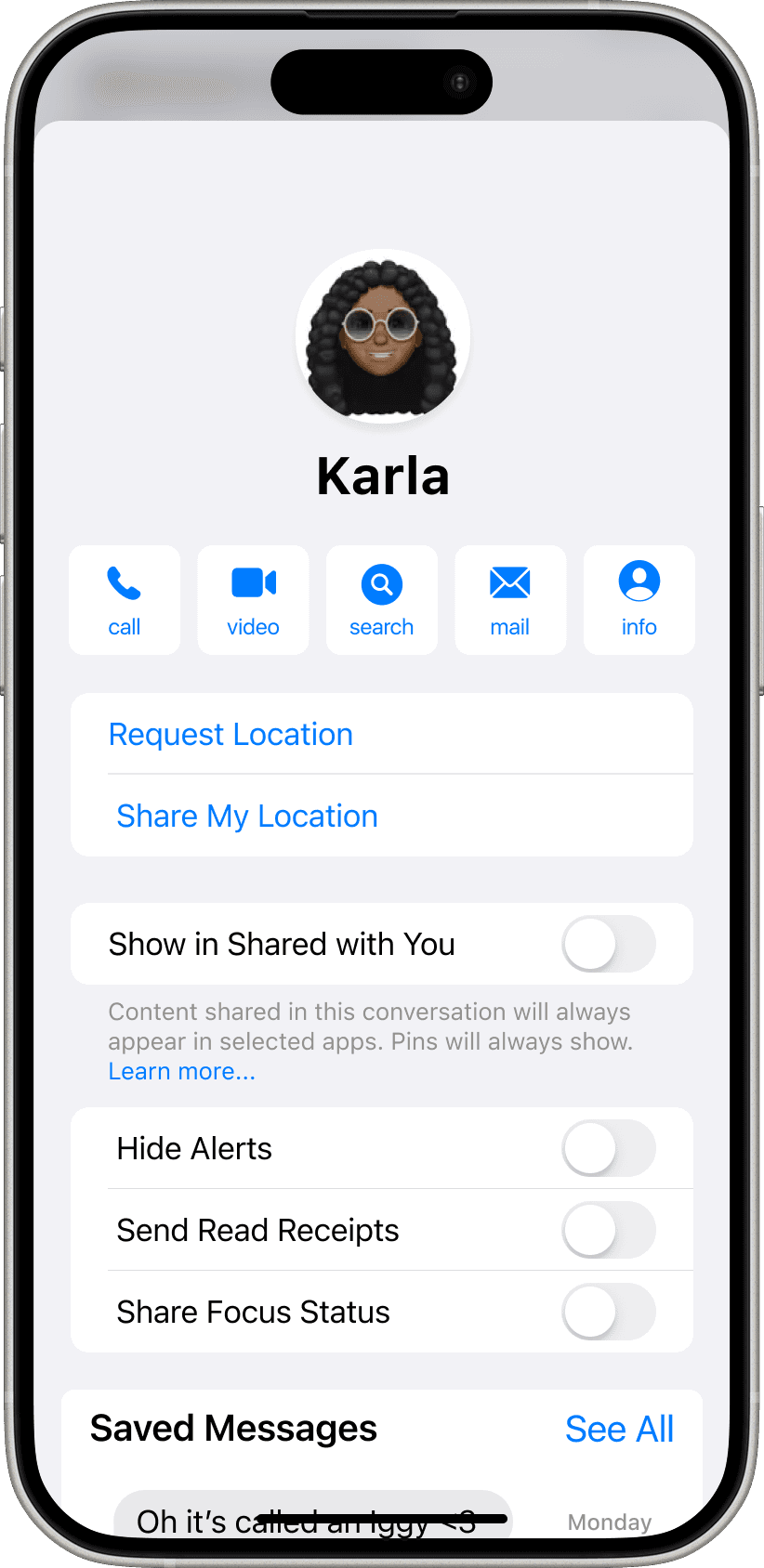
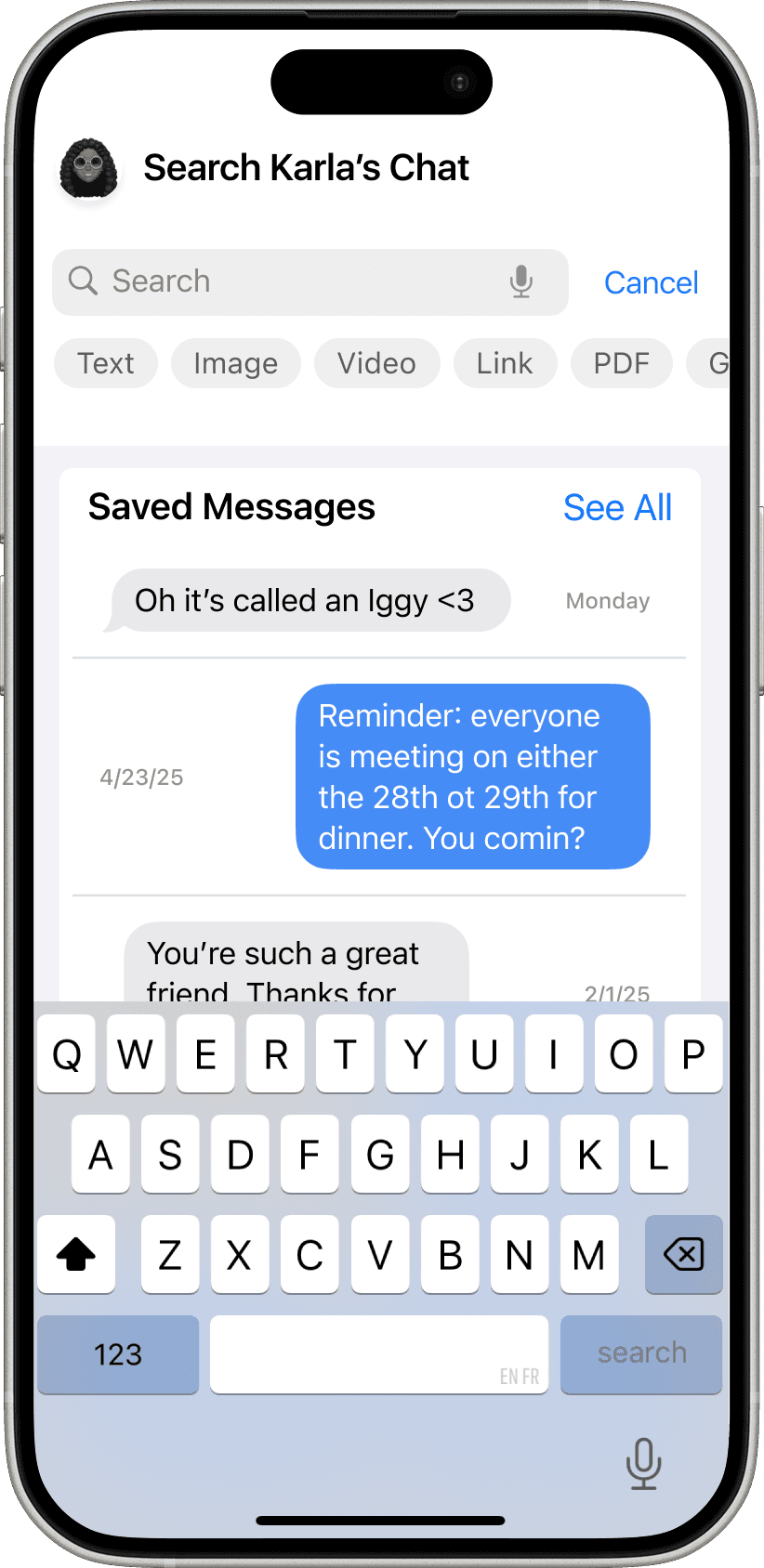
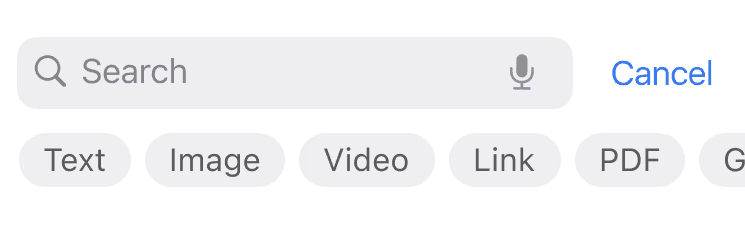
In-chat Save and Search
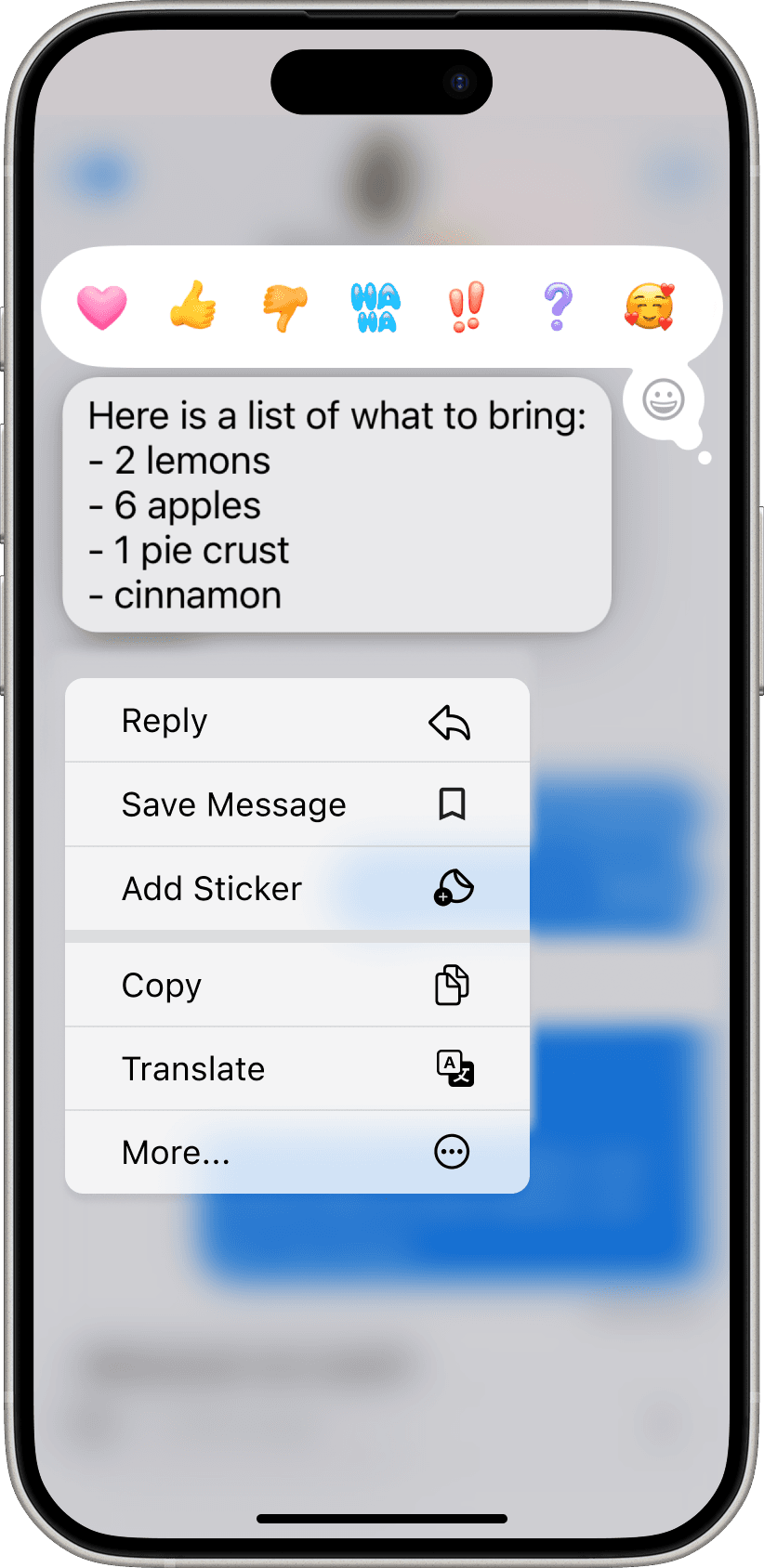
Incorporating message Save and Search features directly within Chat Details eliminated user frustration around message retrieval
Save messages

In-chat search


Search filters
User feedback was overwhelmingly positive
All discoveries and additional research cumalated into a strategic report with final recommendations
The end
Summary of





Final Notes
Overall learnings
This project was a great exercise in working on a tight ten-week timeline, but still being able to deliver because of having clear scope and a strong, communicative team.
Reccomendations
While the prototypes functionally and visually mimic iMessage, to maintain experimental control, participants used simulated chats rather than personal messages. This reduced some of the natural familiarity of personal conversations, but ensured high internal validity.
If I were to continue project I would implement further research with statistically stronger sample-sizes, and more thoroughly investigate the numerous other insights (not mentioned here) that came from the research.
Strategic alignment with Apple's roadmap
In the months proceeding this research, Apple implemented multiple changes that aligned with my focus areas, including increasing personalization of chats, and expanding their multi-media offerings to include additional emoji functions.